Your features at a glance
- Closest face shape
- Round
- Detected facial points
- 478
- Eye tilt · image left
- 4.8°
- Eye tilt · image right
- 7.2°
Shape is an estimate. Eye angles refer to the photo as displayed.
Choose one photo to check your face shape, symmetry and proportions. Get clear results and simple style tips, right in your browser.
Choose a photo, check your face shape and explore your results—all here on this page. Your photo stays in your browser.
Drop a photo here, or choose one from your device.
JPG, PNG or WebP · up to 10 MB · one face
Your photo stays in your browser. No account. No upload. No payment.
How we handle privacy · How we calculate results
A face shape test is a starting point. Your face report brings shape, symmetry and proportions together, with clear explanations and simple ideas for hair and glasses.
See how your face length, forehead, cheekbones and jaw compare. Get your closest face shape, with room for the features that make you different.
Explore symmetry, eye angles and facial ratios. See the measurements behind each result and what your photo can affect.
Take a few hairstyle and frame ideas into your next appointment or shopping trip. Save the report so you can come back to it.
Read online · Download text · Print or save PDF
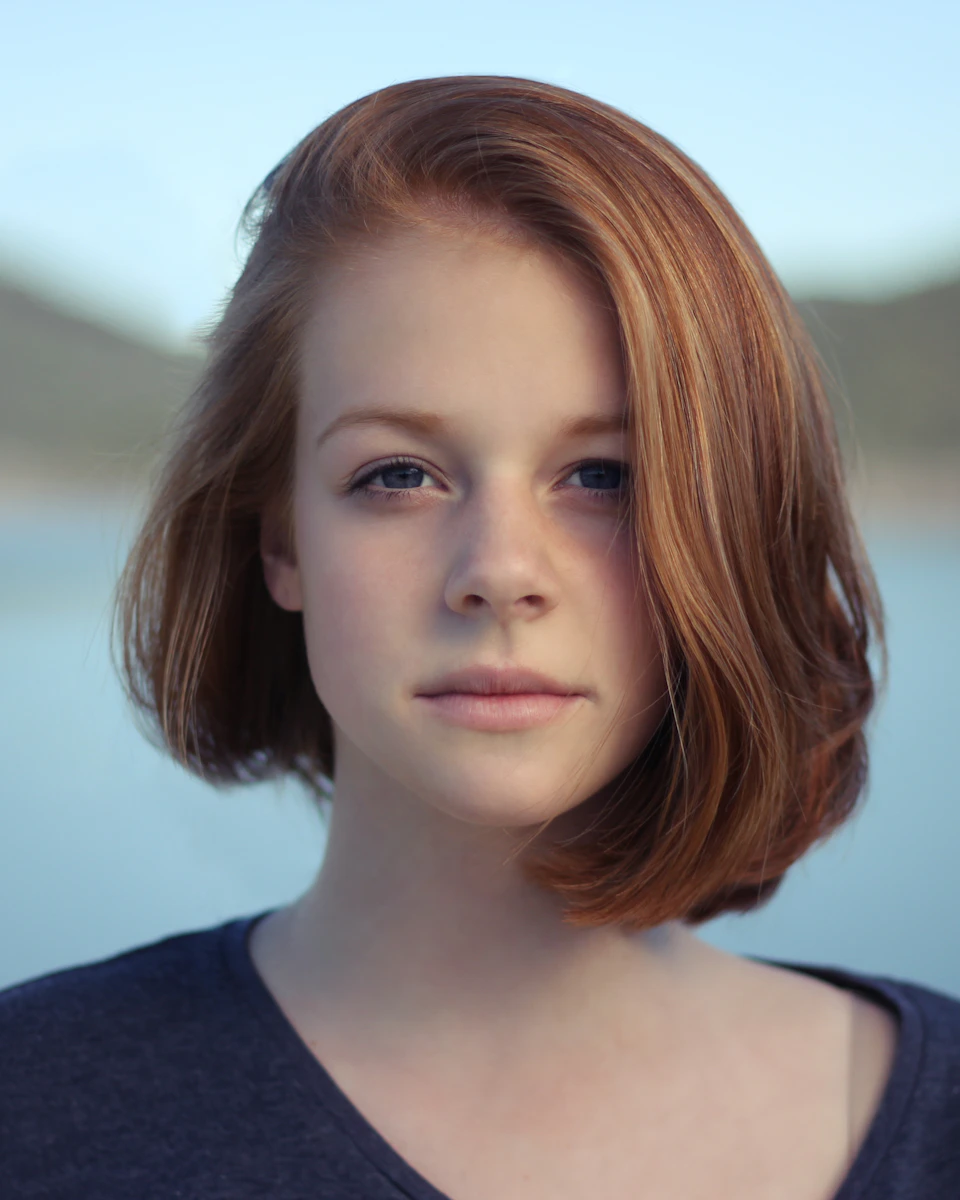
Here is a real example from the portrait above. Each number has a name, a clear meaning and a limit—so you know what you are looking at.
Shape is an estimate. Eye angles refer to the photo as displayed.
These are ratios from one photo, not rankings against other people.
This example leans round. Angular frames are one way to add contrast. Try a few shapes and check how each pair feels and fits.
Explore the sample report →Personal taste and fit matter more than following a shape rule.
Use a front-facing photo with even light and a relaxed expression. Keep your whole face visible. Choose a JPG, PNG or WebP file up to 10 MB.
Click Analyze my photo. The model finds facial points and calculates your measurements on your device. Your photo is not uploaded.
View your face shape, symmetry and ratios. Explore the tabs, read the style tips and download your report or print a copy.
Use your face report to narrow down ideas before you try them. Start with your shape, then choose what feels like you.
Thinking about a fringe, more volume or a different part? Your face shape gives you a way to talk through the options. Hair texture, upkeep and what you enjoy wearing help make the final choice.
Find my face shape
Explore simple ways to change the outline around your face. Use the suggestions in your report as a conversation starter, then ask your stylist what works for your hair.
See sample hair advice →Look at frame shape and width alongside your face shape. Try rounder or more angular styles, then check the bridge, temple fit and comfort.
See sample frame advice →Includes written style suggestions. AI makeovers and virtual try-on are not available in this tool.

If you’re looking for an AI attractiveness test or a face rater, start with what a photo can show: face shape, symmetry and proportions.
Our free attractiveness test explains those measurements and offers simple style tips. It does not turn them into an overall beauty score. A face rating cannot capture every part of how you look or how people see you.
Explore the attractiveness test →Know what you get before you choose a photo.
See your full result and download the report without a payment or hidden unlock.
Analysis runs in your browser. Your photo and face measurements are not sent to our servers.
Use a modern browser on your phone or computer. Start with a photo you already have.
View the points on your photo and read the formulas behind the results. Photo angle and light can affect every estimate.
Choosing a haircut, shopping for glasses, or wondering why your face looks different in photos? Start with a face analysis that turns those questions into details you can use.
Real sample photos and measured results. These comparisons show what the analysis adds—not a makeover or a change to the person’s appearance.

Before you commit to a fringe or new frames, find out how your forehead, cheekbones and jaw shape your face. Get a face shape estimate and hair and glasses ideas to try.
In this sample: a round shape. Start by trying height at the crown or angular frames, then choose what suits your hair and feels comfortable.
One side can look different when you tilt your head or change the light. See paired points on your face and a symmetry measurement, with context for reading it.
The result shows left-to-right landmark differences. It cannot tell you how other people see you.
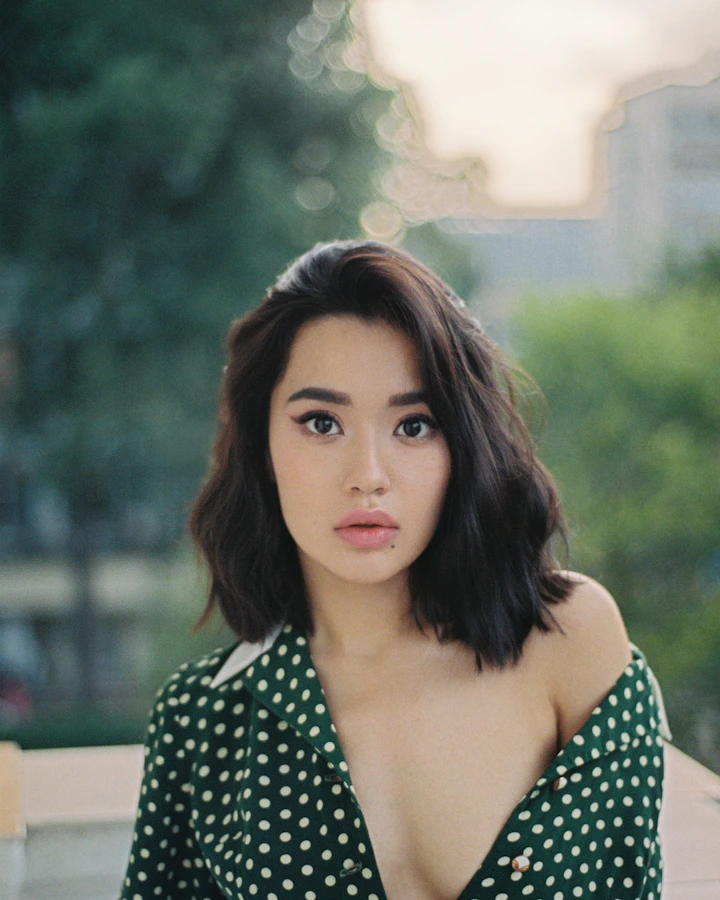
If you want to feel more confident about your look, a beauty score leaves a lot unanswered. Explore your shape and proportions, then take away practical style ideas.
Your report explains visible features and suggests hair and frame options. It does not assign a beauty ranking.
Wondering whether your face looks longer or wider? See the length-to-width measurement behind that impression and how it compares with the golden ratio.
Use this as a description of your photo. There is no ideal ratio you need to reach.
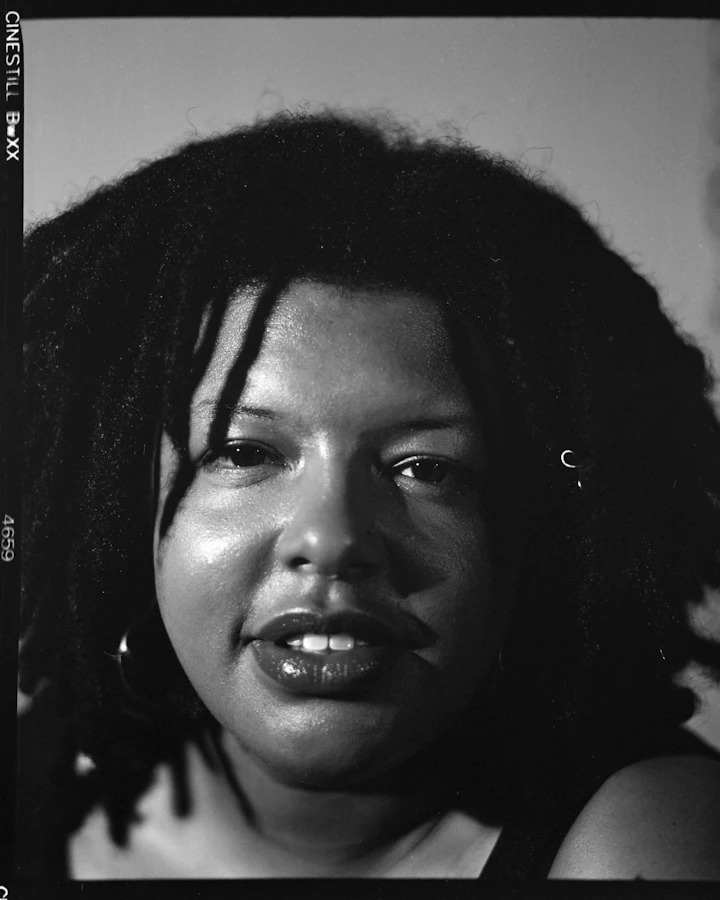
Curious about canthal tilt? See the line between each eye’s corners and its measured angle, instead of trying to judge it from a selfie.
The report measures each side separately. Head position and expression can change the reading.
The slight head angle in this example can affect the measurement. Use a straight-on photo for your own test.
What to expect from your face shape test and free face report.
Your face shape describes the outline of your face. Our face shape test compares face length with forehead, cheekbone and jaw width to find the closest shape. Many faces sit between two shapes, so use the result as a starting point for hair and glasses choices.
The face detection model finds 478 points in your photo. The tool then uses distances and angles between those points to calculate face shape, symmetry and proportions. You can see the points on your photo and read the formulas on our method page.
Yes. The analysis, full results and text download are free. You can also print your face report or save it as a PDF through your browser. There is no account, subscription or payment to unlock your result.
A face rater can turn photo measurements into a face rating, but that number depends on the tool’s chosen rules. Our attractiveness test shows shape, symmetry and proportions. It does not give an overall beauty score or rank you against other people.
No. Your photo is read and analyzed in your browser. It is not sent to our servers. Use Clear & start again to remove the photo and result from the tool. Any report you download remains on your device.
Choose a clear, front-facing photo with even light and a relaxed expression. Keep your whole face visible and move hair away from your cheeks. Use one face per photo. JPG, PNG and WebP files up to 10 MB are supported.
The result is an estimate from one flat photo. Head angle, camera distance, facial expression and hair can change the measurements. A clear, straight-on photo gives a more useful result, but there is no guaranteed accuracy rate for our shape labels.
Yes, as a starting point. Your report includes simple hair and frame ideas based on your estimated face shape. It does not show a virtual try-on. Your hair texture, frame fit and personal taste still matter.
Turning your head, smiling or holding the camera at a different angle changes the visible points. Compare photos taken under similar conditions. A small change in the result does not prove that your face has changed.
It compares your face length-to-width ratio with 1.618, the golden ratio. It shows the difference rather than a beauty score. This is one proportion check, not a complete analysis of every facial ratio.
No. Open the face analyzer in a modern browser on your phone or computer, choose a photo and start. The model downloads when you run the analysis, so the first scan may take longer.
Check your features and get your free face report.
Analyze my face No sign-up. No payment. No photo upload.